
Run every order, from acceptance to shipment
An accepted quote becomes an order with nothing re-keyed. Track ownership, due dates, material readiness, production progress, and documentation in one place, and give your customer a live view of their own work.
One card, the whole job
An order shows its account, status, priority, and next due date, with the managers who own it. A single progress bar rolls up every work step across its deliverables, and export-controlled work is flagged.
Status and priority. Color-coded chips you can read at a glance.
Rolled-up progress. Every work step across the order in one bar.
Assigned managers. Who owns the order and each deliverable.
Compliance flags. ITAR and export-controlled work marked.
Every document, tracked and versioned
Material and finishing certs, purchase orders, and released drawings live on the order with full revision history. Generate a Certificate of Conformance from the order's own records, and answer a customer or audit question without rebuilding the file history.
Material and finishing certs. Stored against the parts they cover.
Certificate of Conformance. Generated from the order in one step.
Purchase orders linked. POs tied to the parts and material they buy.
Revision history. Every file versioned, nothing overwritten.
Material cert
rev 2
Aluminum 6061 plate
Finishing cert
Anodize Type II
Certificate of Conformance
Generated from the order
Drawing — ASM-21-R-2
rev C
Released print
PO-1183
6061 plate, 4 pcs
Know what is ready, before the floor stalls
Each item tracks what material is required, ordered, received, and allocated from inventory. A status chip tells you whether a part can run, and a shortfall shows early enough for purchasing and scheduling to respond, so nothing waits on stock nobody ordered.
Ordered against received. Track purchase orders as material arrives.
Allocated from inventory. Pull from stock you already hold.
Per-item status. Fully ordered, partially received, or not ordered.
No surprise stalls. See a shortfall before it reaches the floor.
Item
Req
Ord
Recv
Status
ASM-21-R-2
50
50
50
BRK-118-A
40
40
24
SHFT-09
20
0
0
PLT-4471
12
0
0
Track it, down to the operation
These are live order items. Expand one to see its operation tree, machine routing, and the checkpoints parts pass through on the floor.
1
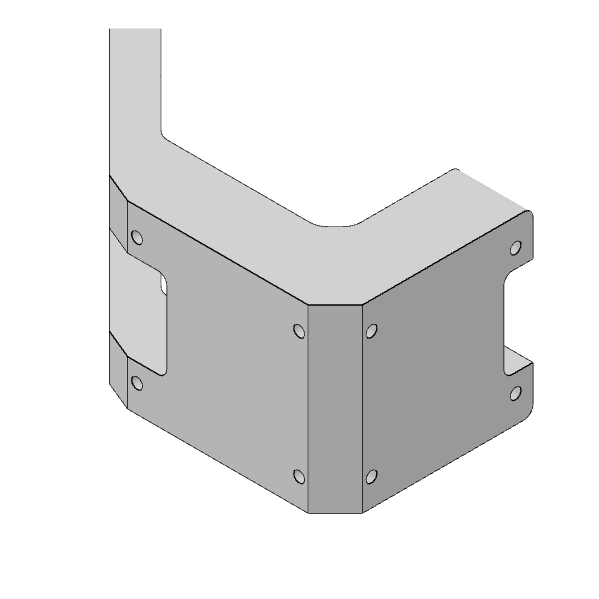
ASM-21-R-2
Shipped: 0 / 50
Fabrication
(2 ops)1
OP 1
FABRICATIONVF-2A
of 50
2
Inspection
INSPECTIONof 50
3
OP 2
FABRICATIONVF-2B
of 50
Finishing
(3 ops)4
Chem Film / Chromate / Alodine
FINISHINGof 50
of 50
5
Anodize (Type I)
FINISHINGof 50
of 50
6
Epoxy Ink Stamp
FINISHINGof 50
of 50
7
Package
PACKAGINGof 50
2
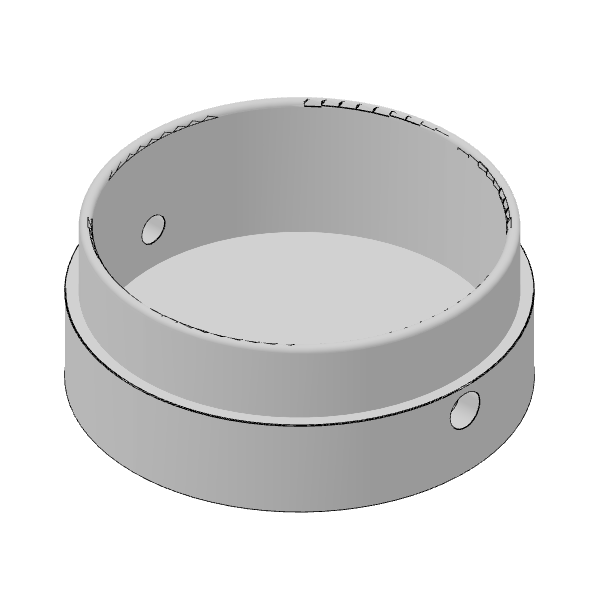
BASE
Shipped: 0 / 75
1
OP 1
FABRICATIONVF-2A
of 75
3
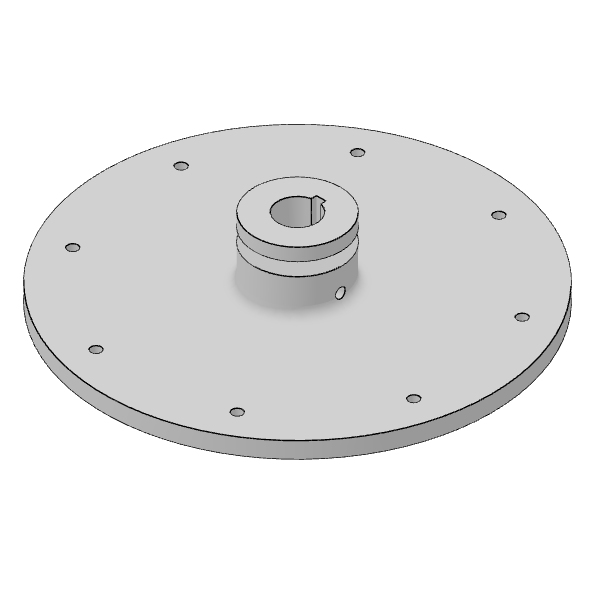
00-630-00
Shipped: 50 / 50
1
OP 1
FABRICATIONVF-2A
of 50
2
OP 2
FABRICATIONVF-2B
of 50
3
OP 3
FABRICATIONVF-2A
of 50
4
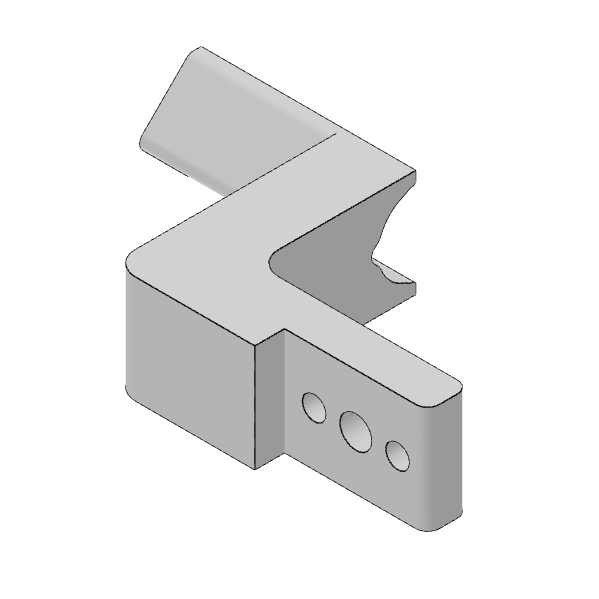
00-630-01
Shipped: 0 / 45
1
OP 1
FABRICATIONof 45
Common questions
What happens when a quote is accepted?
The accepted quote becomes an order with nothing re-keyed. Drawings, referenced documents, BOM, operations, machine assignments, and compliance flags carry into the order.
How does Infab show order progress?
Progress rolls up from the work steps across the order's deliverables, so the team gets an order-level view without opening each item individually.
Can Infab track whether material is ready?
Yes. Each order item shows required, ordered, received, and inventory-allocated quantities, along with a readiness status that tells you whether the part can run.
How are order documents controlled?
Documents stay connected to the order, and a changed file becomes a new revision instead of replacing the previous version, so the history is always available.
Can customers see their order status?
Yes. Customers can receive a live view of their own work through the customer portal, without seeing unrelated orders or internal information.
Give Every Order One Operational Record
Connect the accepted quote with material, production, quality, documentation, and customer communication in one place
No contracts. Cancel anytime.
Next: put Infab Assistant to work on the paperwork