
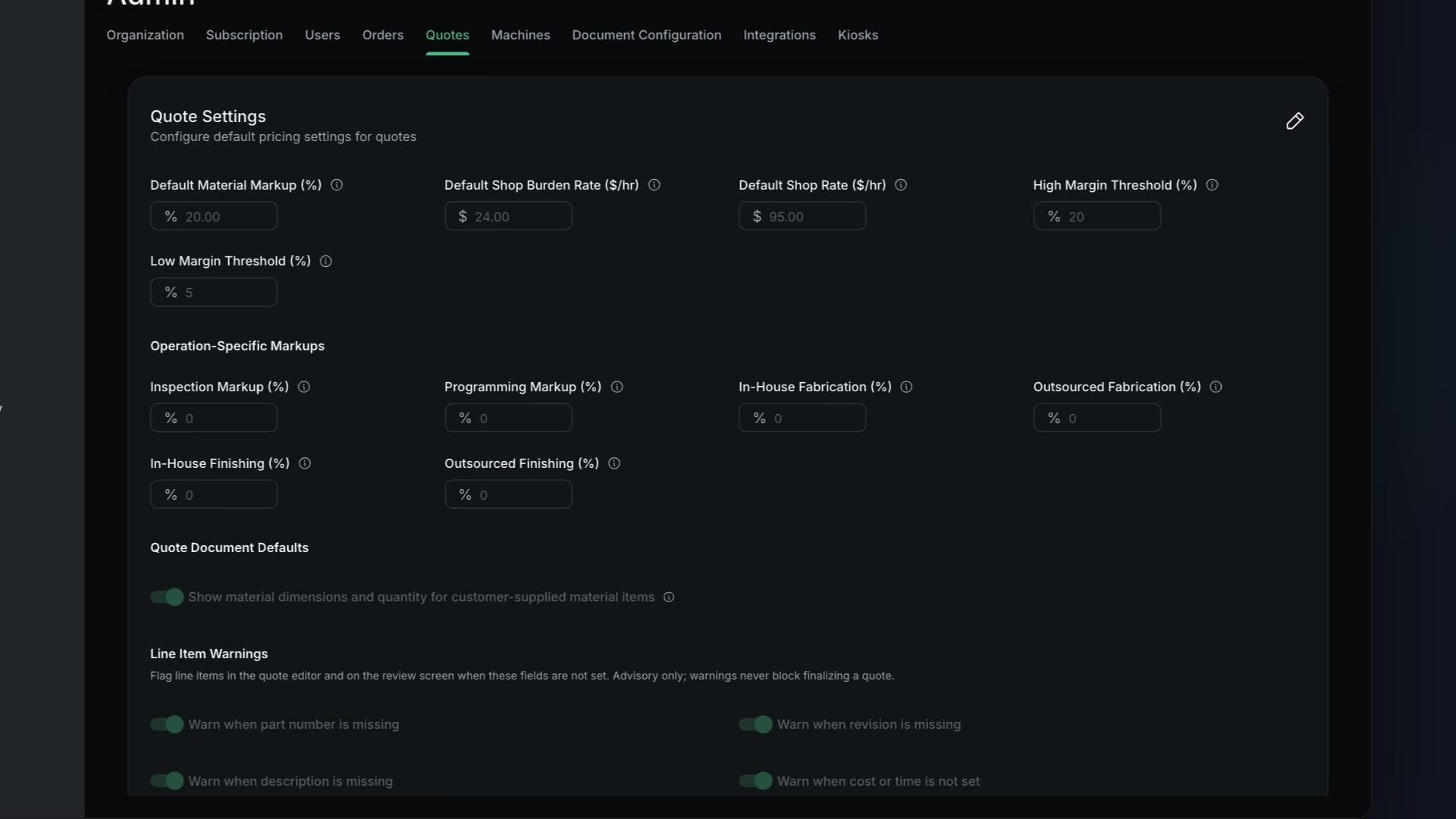
Before you start
Only users with Is Admin? turned on can open Admin.
Shop rate vs burden rate
Your shop rate is what you charge a customer for an hour of work. It goes into the price. Your burden rate is what an hour of work on one order costs your shop. It never changes the price. The burden rate is used only to estimate your profit, so the margin on a quote shows what you really keep.
Machine time is billed to the customer through the shop rate or the machine's Cost Per Hour, but it is never counted as an internal cost. So the wages of the people running those machines belong in your burden rate, along with everything else it costs to keep the doors open.
Burden only changes the margin and profit estimate. It never changes the price your customer sees.
How to calculate it
Burden rate = hourly cost of running the shop ÷ average number of open orders- hourly cost
- One month of overhead divided by the hours you are open that month.
- open orders
- How many orders are in progress at the same time. Count every Monday for three months and average the result.
| Line | Amount |
|---|---|
| Rent | $8,000 |
| Utilities (power, gas, water, air) | $2,400 |
| Wages (two machinists and one office and estimating person) | $39,300 |
| Insurance | $1,800 |
| Software and subscriptions | $1,300 |
| Total | $52,800 |
| Step | Calculation | Result |
|---|---|---|
| Hours open each month | 10 hours a day × 22 days | 220 hours |
| Hourly cost of running the shop | $52,800 ÷ 220 | $240.00 per hour |
| Average open orders | Counted every Monday for three months | 10 |
| Burden rate | $240.00 ÷ 10 | $24.00 per hour |
Enter 24.00 in Default Shop Burden Rate ($/hr).
On a quote
Northline Aerospace wants 10 brackets.
| Line | Calculation | Amount |
|---|---|---|
| Material | $120.00 cost, 20% markup | $144.00 |
| OP 1 time on MILL-01 | 30 min setup + 12 min run × 10 parts = 150 min | 2.5 hours |
| OP 1 rate charge | $95 ÷ 60 × 150, 0% markup | $237.50 |
| Quoted price | $144.00 + $237.50 | $381.50 |
| Burden amount | $24.00 × 2.5 hours | $60.00 |
| Internal cost | $120.00 material + $0 BOM + $0 outsourced + $60.00 burden | $180.00 |
| Margin | ($381.50 − $180.00) ÷ $381.50 | 52.8% |
52.8% is green, because it is at or above the default 20% threshold. Without a burden rate the margin would read ($381.50 − $120.00) ÷ $381.50 = 68.5%, next to a "No burden rate" chip.
Steps
Add up one month of overhead
Rent, utilities, all wages, insurance, software and anything else you pay whether or not a spindle is turning.
Divide it by the hours you are open each month
That is the hourly cost of running the shop.
Divide that by your average number of open orders
Count how many orders are open at the same time. Count every Monday for three months and average the result.
That is the burden rate for one hour of work on one order.
Enter the result in Default Shop Burden Rate ($/hr) and save
You will see "Quote settings updated successfully".
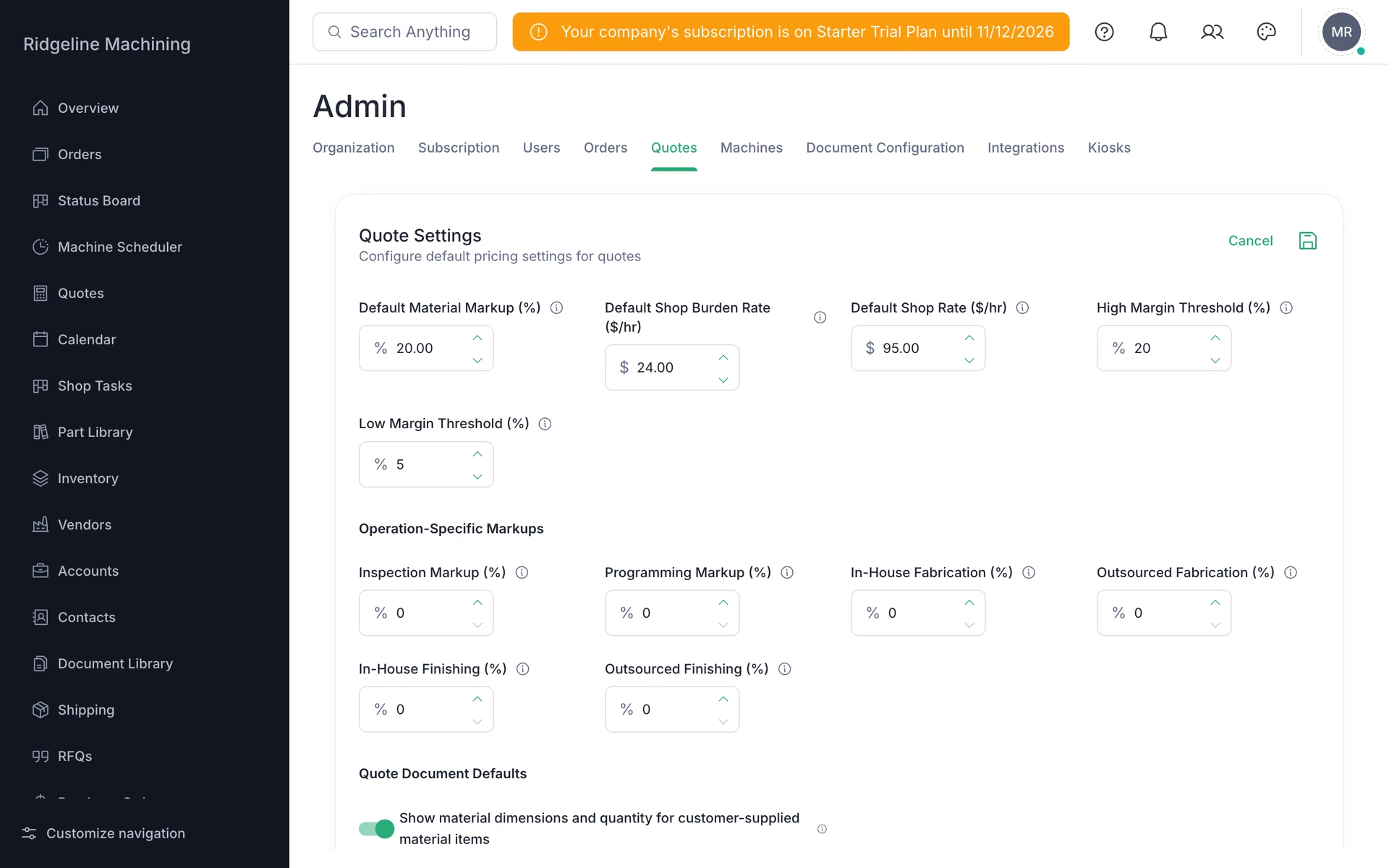
If burden is 0 or blank, margins look too good, and quotes show a "No burden rate" chip.
Burden counts the hours of every operation on the item, outsourced ones included.
In-house machine time is billed through the shop rate. Its cost to you only shows up through burden, so keep wages in your overhead total.
What good looks like
- The "No burden rate" chip is gone.
- Margins on recent jobs look realistic.