
Before you start
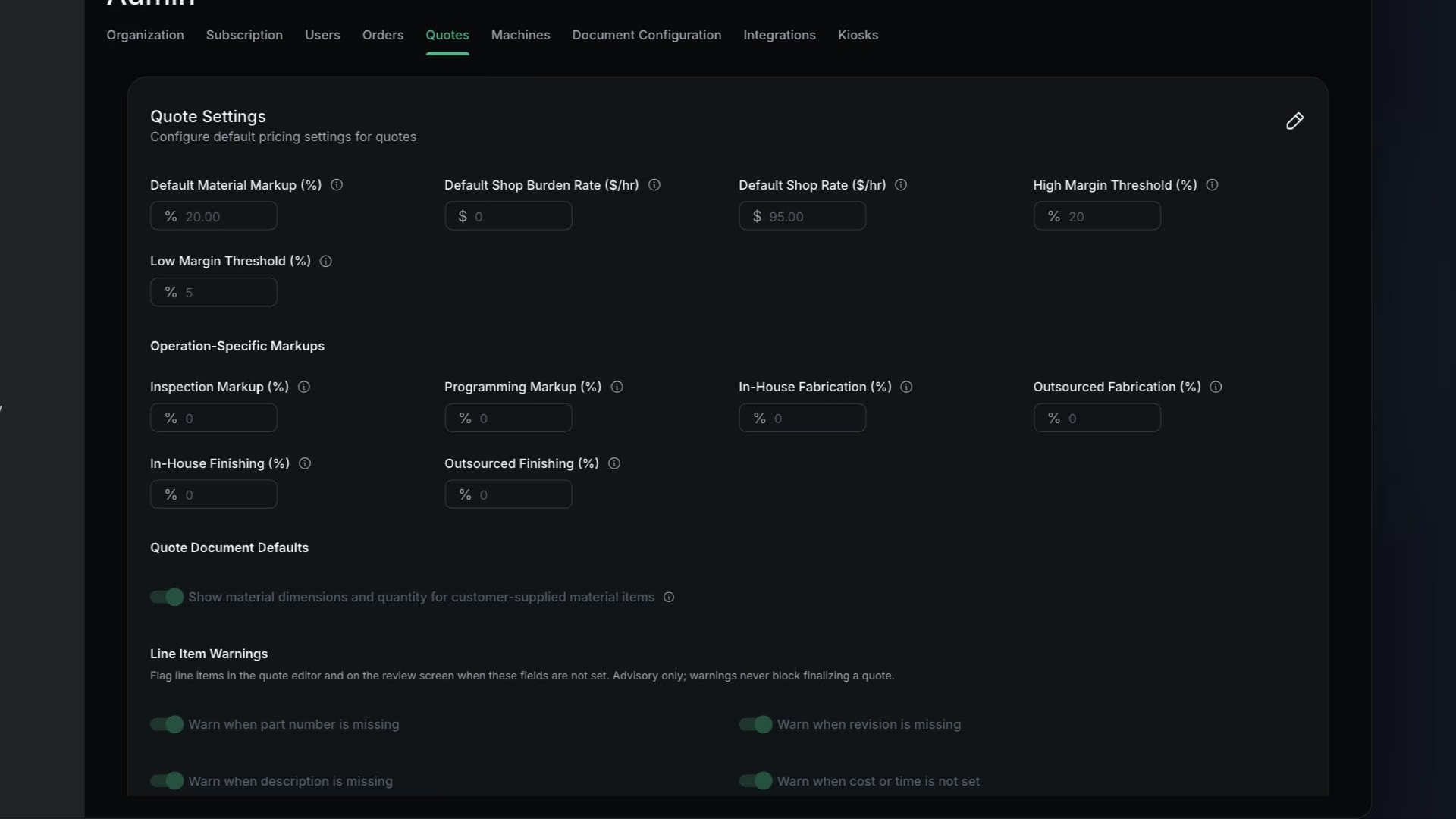
Only users with Is Admin? turned on can open Admin.
Steps
Set Default Material Markup (%)
It is applied when you add material to a quote.
Set Default Shop Rate ($/hr)
It is used for an operation's rate charge when no machine is assigned.
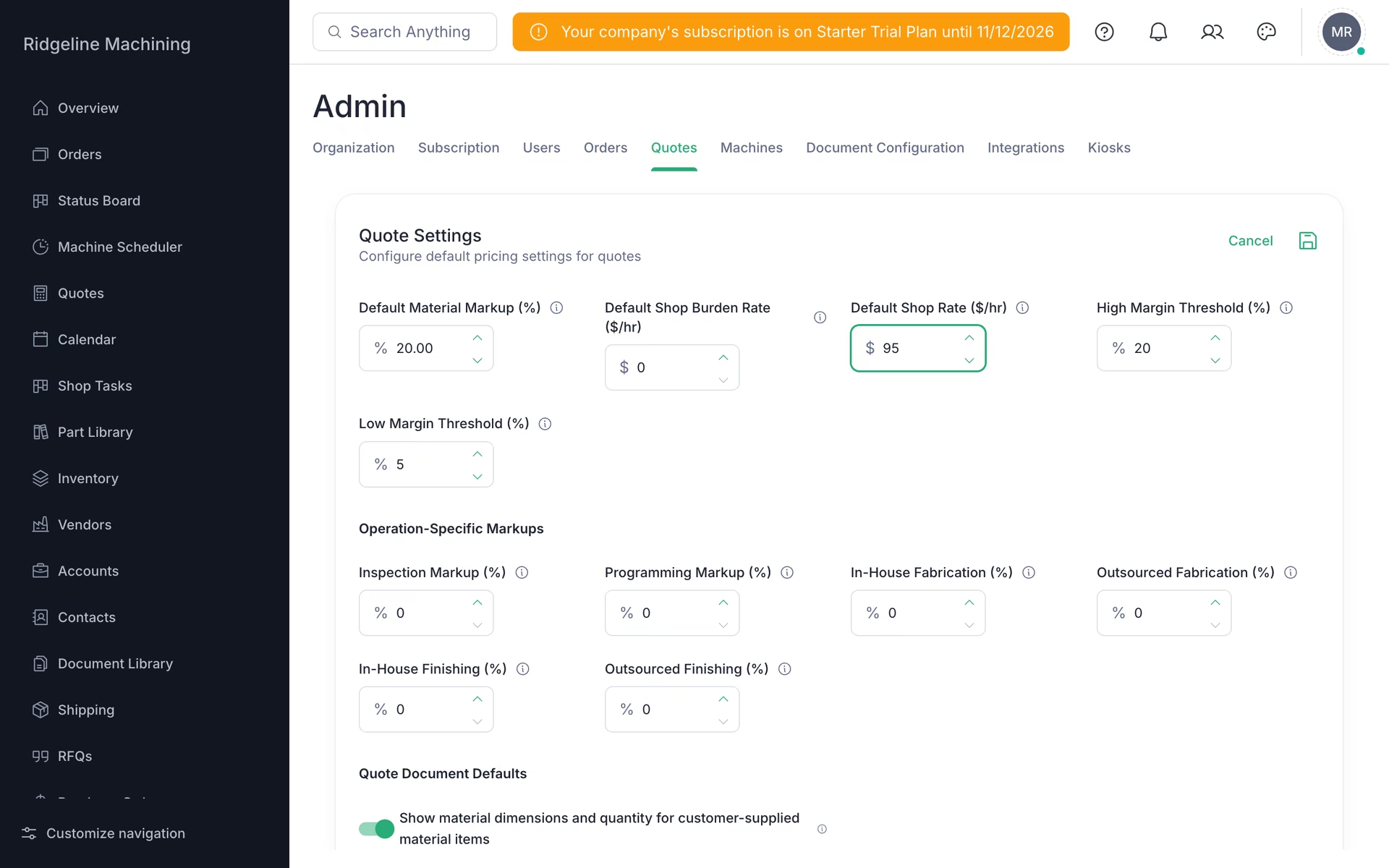
Set High Margin Threshold (%) and Low Margin Threshold (%)
The defaults are 20% and 5%.
Turn on the warnings you want: missing part number, revision or description, cost or time not set, material pricing not set, and material yield below the order quantity
Save
You will see "Quote settings updated successfully".
How a price is built
Customer price = material cost × (1 + markup) + BOM × (1 + markup) + charges × (1 + markup)Rate charge = $/hr ÷ 60 × (setup minutes + run minutes × run multiplier)The rate is the highest Cost Per Hour among the machines on the operation. With no machine, it is the Default Shop Rate.
In-house Fabrication and Finishing operations get Rate charges. Programming and everything else, including outsourced work, get Fixed charges.
The six Operation-Specific Markups (Inspection, Programming, In-House Fabrication, Outsourced Fabrication, In-House Finishing, Outsourced Finishing) are only used by Paperless Parts imports, Toolpath estimates and the assistant. Quotes you build by hand take markup from the operation template or the process.
Margins at or above High show green, margins below Low show red, and margins in between show yellow.
What good looks like
- The material markup and the shop rate are set.
- The margin colors match how you think about profit.