
Before you start
4.1Set your shop rate and markups
Only users with Is Admin? turned on can open Admin.
Steps
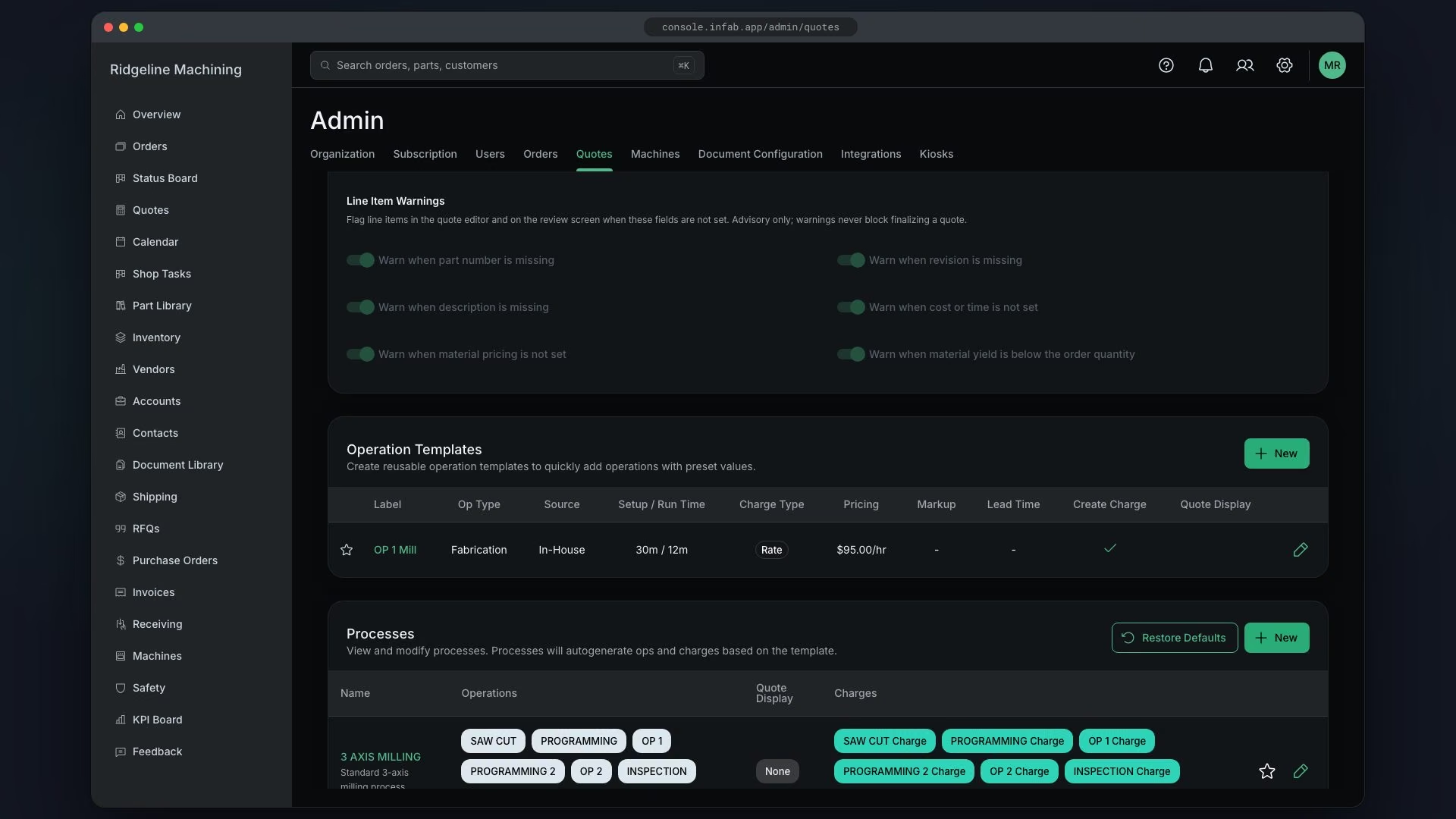
In Operation Templates, click New
The empty state reads "You have no operation templates. Add one to get started."
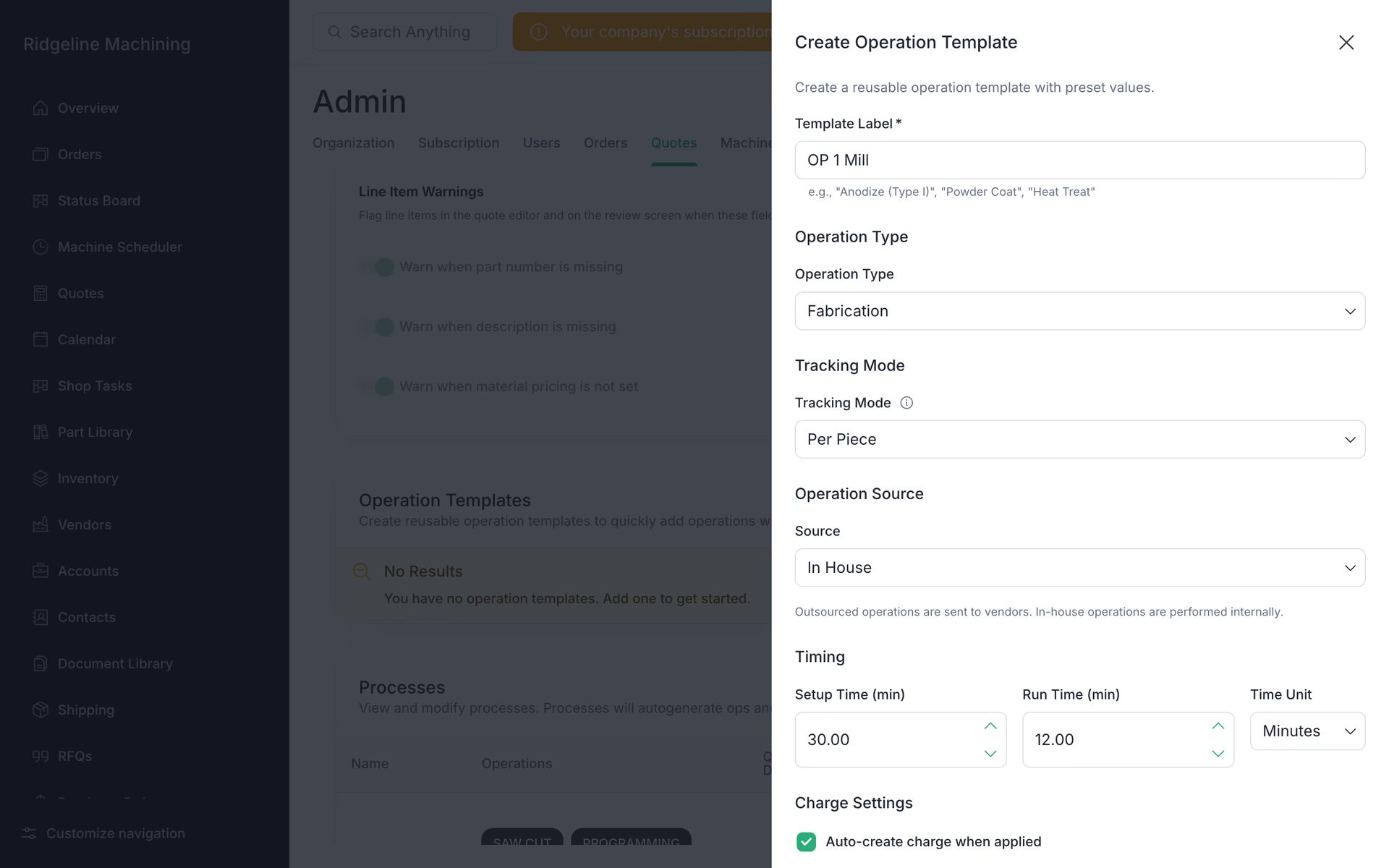
The Create Operation Template drawer opens.
Enter Template Label
Set Source to Outsourced if a vendor does the work
Pick Operation Type
Set Setup Time, Run Time and Time Unit
Turn on Auto-create charge when applied
WarningAuto-create charge when applied is off by default. Leave it off and the operation adds time to a quote but no price.
Pick the charge Type: Fixed (Amount and Frequency), Rate (Rate ($/hour)) or Min Lot / Piece (Lot Charge, Piece Price)
Set Markup (%), Display on Quote and Additional Lead Time (days)
Pick the tracking mode and add work instructions from Doc Hub documents
Click Save Template
You will see "Operation template created".
Note
A template's setup and run times and its markup win over the process values whenever they are above 0.
Note
Additional Lead Time (days) adds to the item's lead time.
What good looks like
- You have one template for each common operation (saw, program, mill, inspect, outside finish).
- Each template has a charge type set.