
Before you start
2.2Set up your quotes and document footer
Only users with Is Admin? turned on can open Admin.
Steps
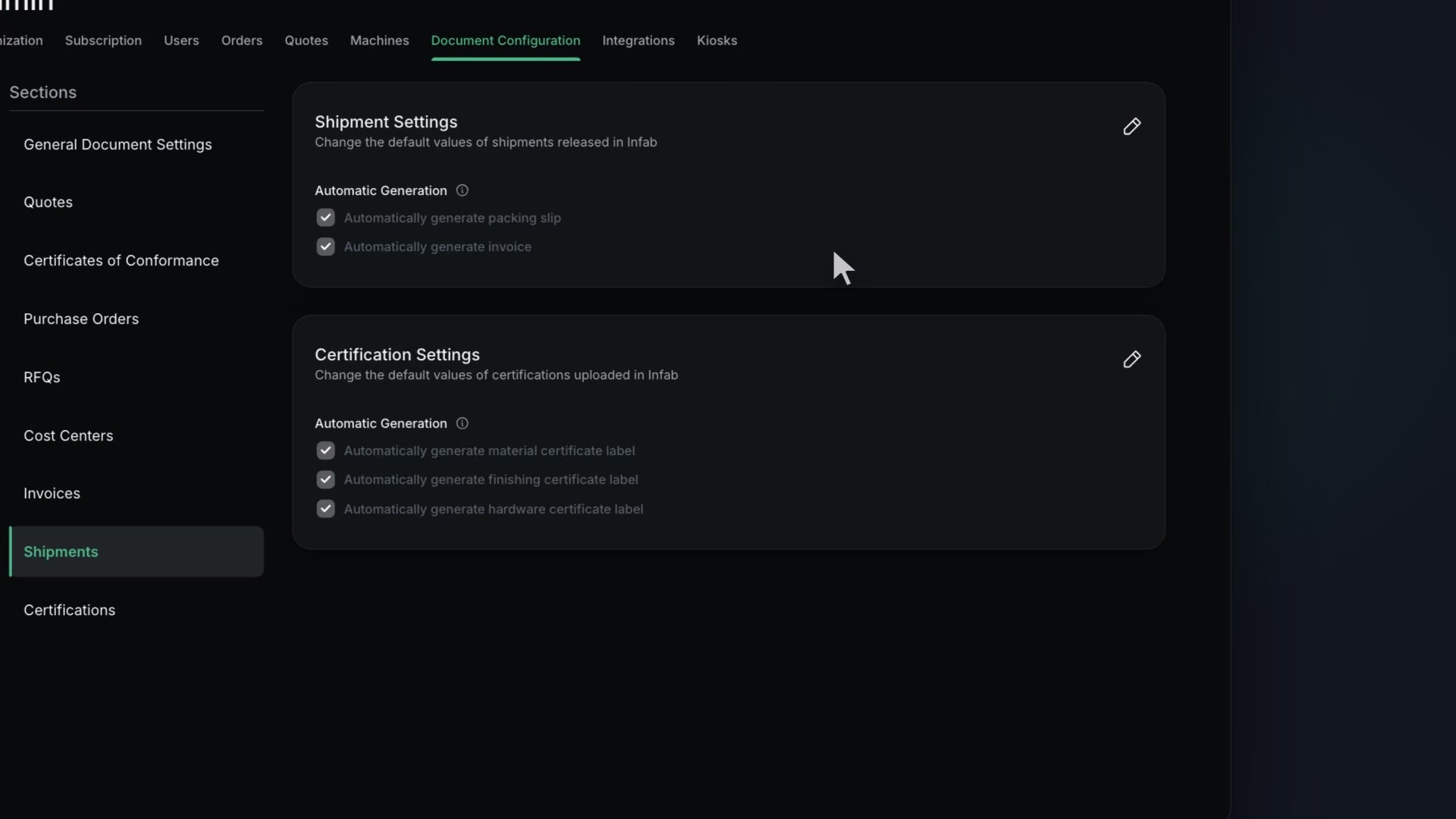
In Shipment Settings, under Automatic Generation, turn on "Automatically generate packing slip" and "Automatically generate invoice"
Save. You will see "Shipment settings updated successfully".
In Invoice Settings, set Invoice Label Format, Default Payment Terms, Default Payment Instructions and Default Invoice Notes
In the Purchase Order card, set the label format, the signatory title, the Ship Via options, and whether DFARS is always required
Review the CofC card
In Admin, Orders, set the order Starting Index, DPAS, closeout rules and Awaiting Finishing Threshold (hours)
Save. You will see "Order settings updated successfully".
Tip
With both Automatic Generation switches on, creating a shipment also makes its packing slip and invoice.
Note
Cost Centers, Redaction, RFQ and Certification auto-label can wait until you need them.
What good looks like
- Both Automatic Generation switches are on.
- Order numbers will start where you want.