
Before you start
3.1Add your machines
Only users with Is Admin? turned on can open Admin.
Note
Machine Schedule Settings and the Machine Scheduler show once machine scheduling is turned on for your shop. If you do not see them, write to [email protected].
Steps
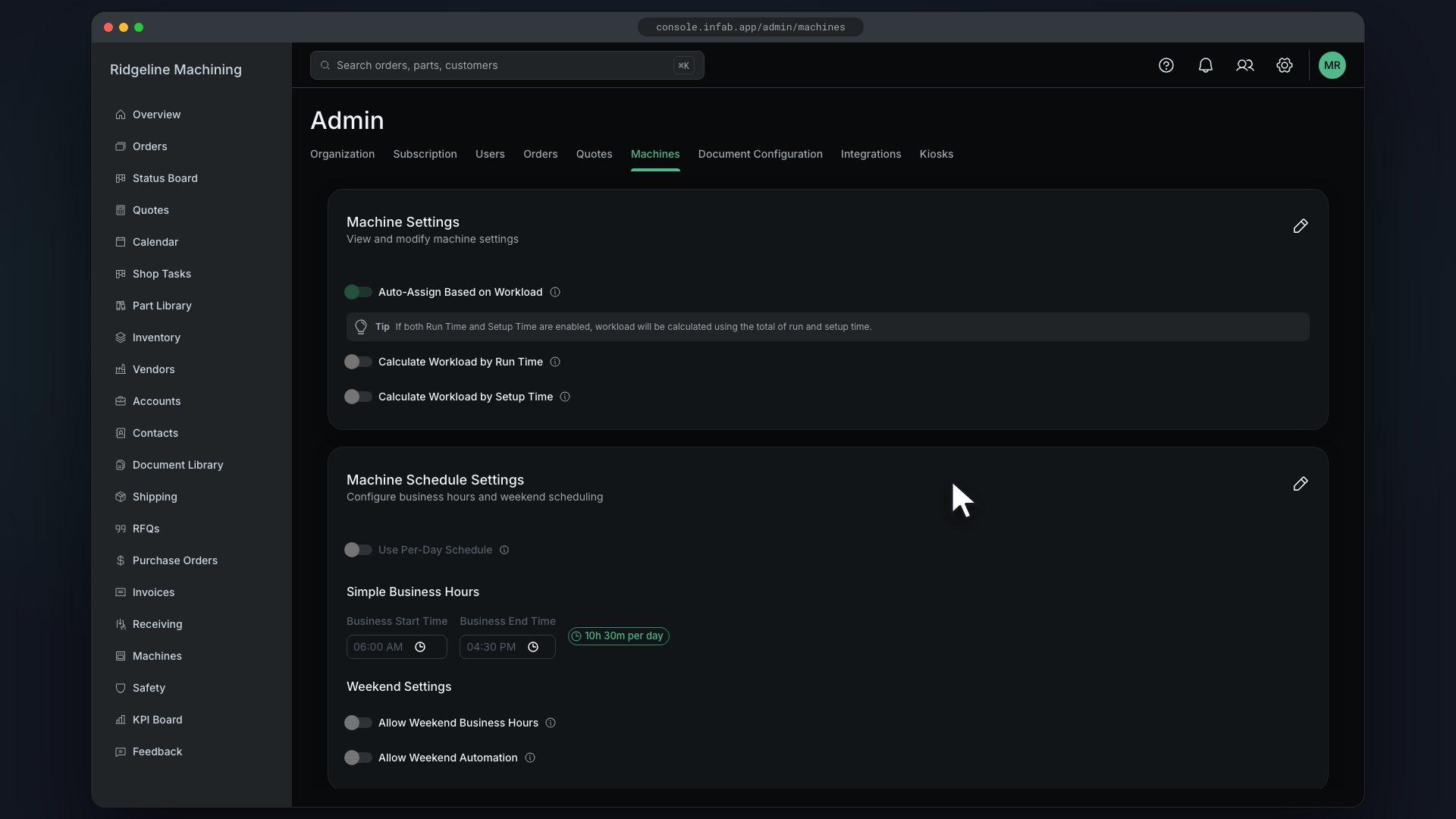
In Machine Settings, click Edit and turn on Auto-Assign Based on Workload
Choose Calculate Workload by Run Time, Calculate Workload by Setup Time, or both, then save
In Machine Schedule Settings, set Business Start Time and Business End Time
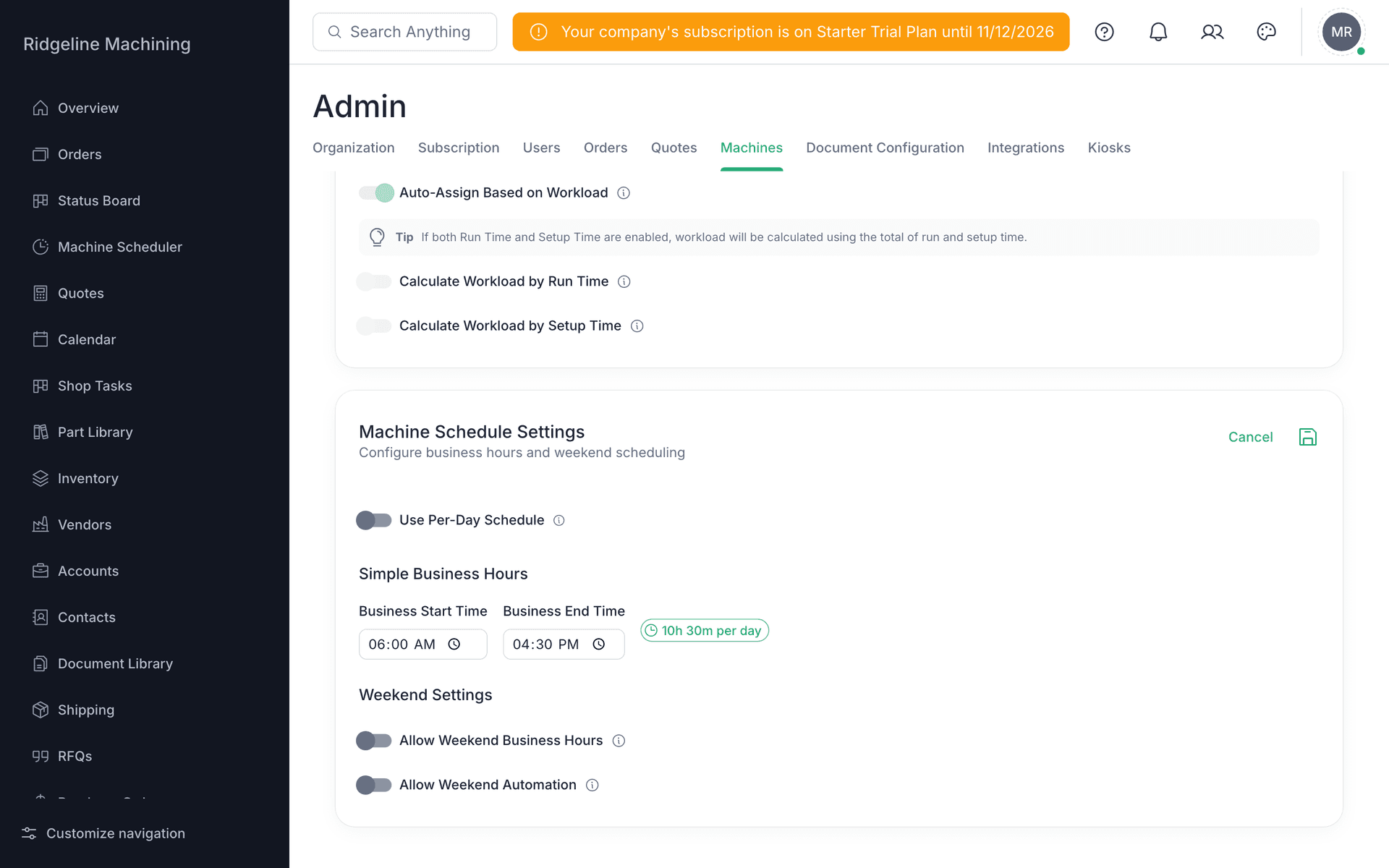
If your hours differ by day, turn on Use Per-Day Schedule and use "Copy to all weekdays"
Turn on Allow Weekend Business Hours only if you run weekends, then save
Tip
With auto-assign on, putting a machine on an operation hands the work to that machine's least-loaded operator.
What good looks like
- Auto-assign is on.
- Your business hours match your shop.