Before you start
Steps
Sign in and accept the Terms and Conditions
In the Setup PIN prompt, enter a new 4-digit PIN and click Set PIN
You will see "PIN set successfully".
WarningYou can close the PIN prompt, but you will need a PIN later. It is required for quality gates, deliverable signoffs, kiosk sign-in and the inactivity lock. Without one you get "User does not have a PIN set up…".
On your second sign-in, add a passkey when asked
This is optional.
Tip
Ask everyone on your team to set a PIN on their first day.
What good looks like
- Terms accepted.
- PIN set.
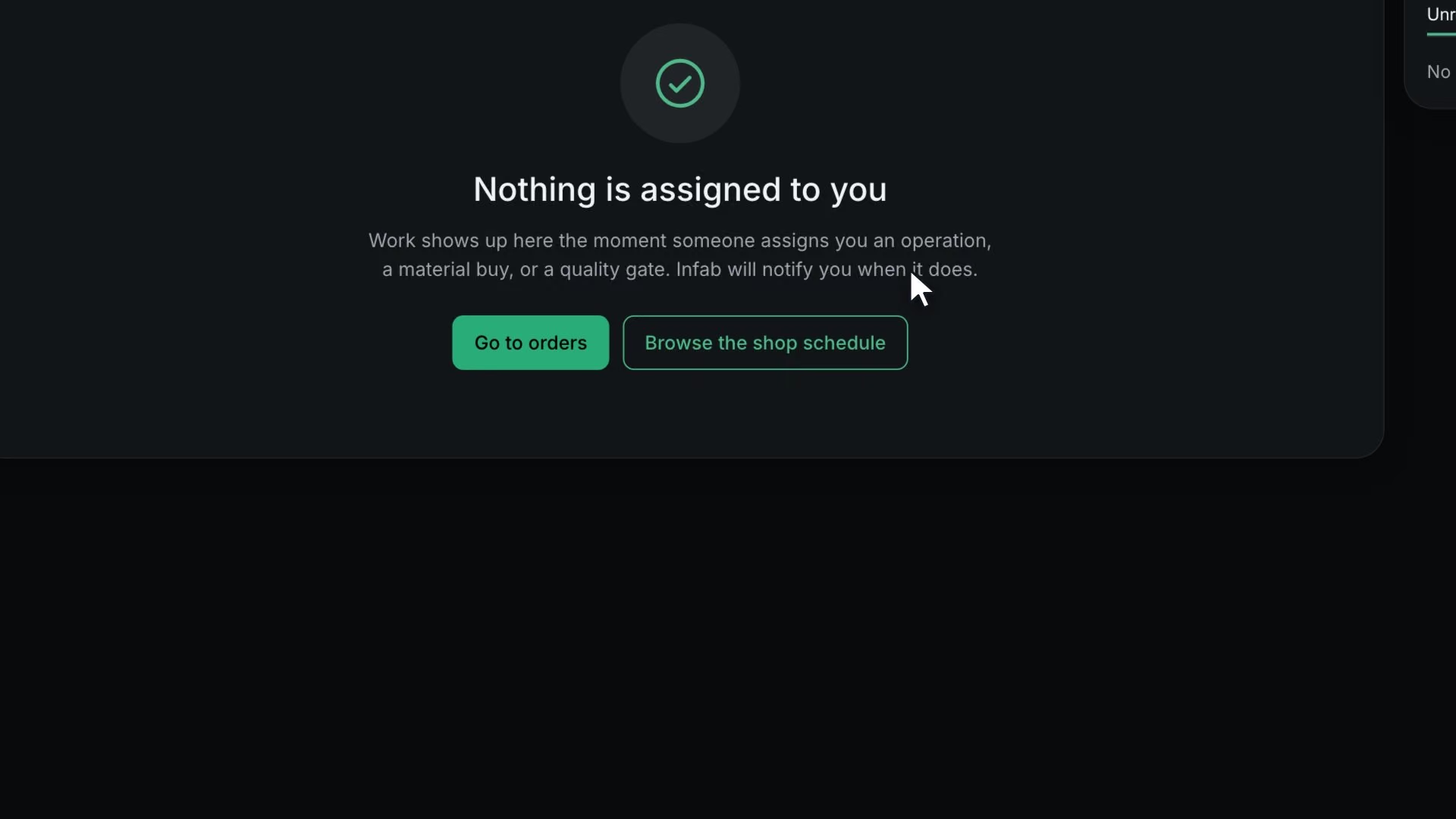
- The home page shows the empty work list.